Autopotomize Plugin
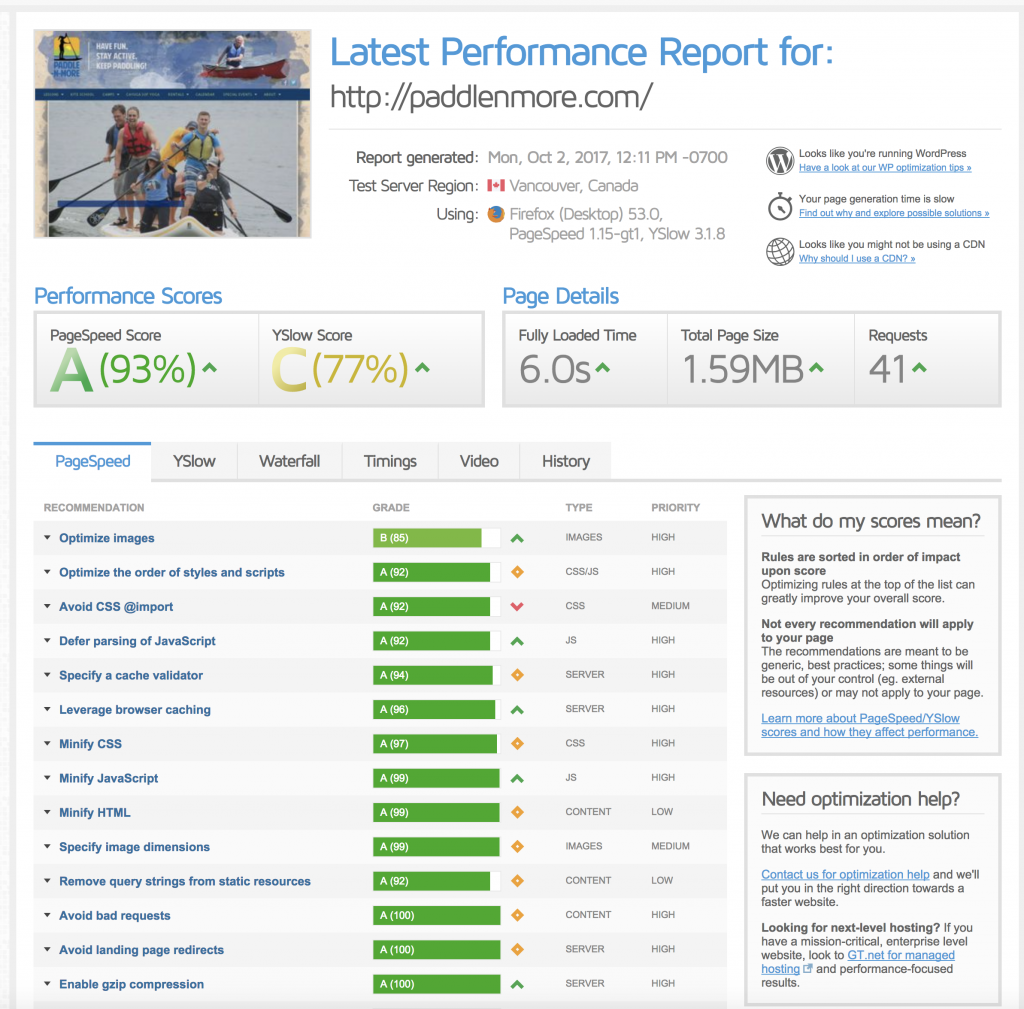
Autopotomize Autoptimize Seems to speed up sites and increase score on the GT Metrix Before After
Manually Deactivate the Re Slider Code
Purchase Code Deactivation
How to Properly Move WordPress to a New Domain Without Losing SEO
Full article: http://www.wpbeginner.com/wp-tutorials/how-to-properly-move-wordpress-to-a-new-domain-without-losing-seo/ Here was the useful part: Step 3: Setting up Permanent 301 Redirects Setting up a permanent 301 redirect is very important for both SEO and user experience. This allows you to redirect users and search engines to your new site. In other words, whenever someone lands on one of your old posts […]
MultiSite Development
Plugins https://wordpress.org/plugins/wp-db-backup/ https://wordpress.org/plugins/multisite-plugin-manager/ https://wordpress.org/plugins/menus/ https://wordpress.org/plugins/wordpress-mu-domain-mapping/ https://wordpress.org/plugins/network-shared-media/ https://wordpress.org/plugins/multisite-cloner/ https://wordpress.org/plugins/multisite-widgets-context/ https://wordpress.org/plugins/multisite-enhancements/ https://wordpress.org/plugins/wp-security-audit-log/ Domain mapping: Make sure domain is unattached! In Bluehost, use domain as add-on and point the domain to subdirectory of main site (this cannot be done for primary domain of account at BH) After you map […]
Custom Fonts
http://line25.com/articles/custom-fonts-wordpress-plugins http://line25.com/articles/custom-fonts-wordpress-plugins
YouTube Custom Poster Image
Add Your Own Thumbnail to YouTube or Other Videos Used on WGA
Meta Data for Essential Grid, etc.
Meta Data for Essential Grid https://www.themepunch.com/faq/use-meta-data-theme-another-plugin-grid/ (for WP Properties) https://www.usabilitydynamics.com/product/wp-property-terms/docs/wp-property-terms-overview Essential Grid Autoplay Carousel https://www.themepunch.com/faq/add-autoplay-functionality-pagination/
Native WordPress Galleries
PHOTOSPACE Responsive Photospace https://thriveweb.com.au/the-lab/photospace-responsive/ Galleria Version 1.0.3 | By Andy Whalen | View details Jetpack Jetpack
Optmization – Hardcore!
https://blog.sucuri.net/2017/01/wordpress-performance-optimization-guide.html?utm_source=feedburner&utm_medium=email&utm_campaign=Feed%3A+sucuri%2Fblog+%28Sucuri+Blog%29
Fast Gallery Issues
Default value is >= 800px. So the grid doesn’t show correctly. If you want use a small image you need to make this changes: open file functions.php (folder fastgallery) find this: rnadd_image_size( ‘fg-normal’, 800 , 800 , true); replace with: rnadd_image_size( ‘fg-normal’, 300 , 300 , true); PS: 300 is a small value images.